Navigating the App
The FluidGrids app is a Burdenoff Workspaces shell: FluidGrids' own screens sit in the first sidebar group, and the shared platform features sit below them. This page maps the whole thing.
The header
| Control | What it does |
|---|---|
| Search | Global search across workspaces, projects, members, and documentation. Results link straight to the item; View all results opens the full search page with filters. |
| Command palette | Keyboard-driven navigation (Go to Dashboard, Workspaces, Projects, Team Members, Settings; Create New Workspace). Open it with the shortcut shown under Shortcuts. |
| Language | English, Chinese, Hindi, Spanish, Arabic, Tamil. The whole app, including the builder, is translated. |
| Theme | Light or dark. |
| Notifications | Bell icon; the full list is under Communication › Notifications. |
| Profile menu | Profile, Add account, Switch Workspace, Logout. |
Shortcuts (in the sidebar's action row on small screens, or the keyboard help dialog) lists every keyboard shortcut, for example g h for the Dashboard and g w for Workspaces.
The Dashboard
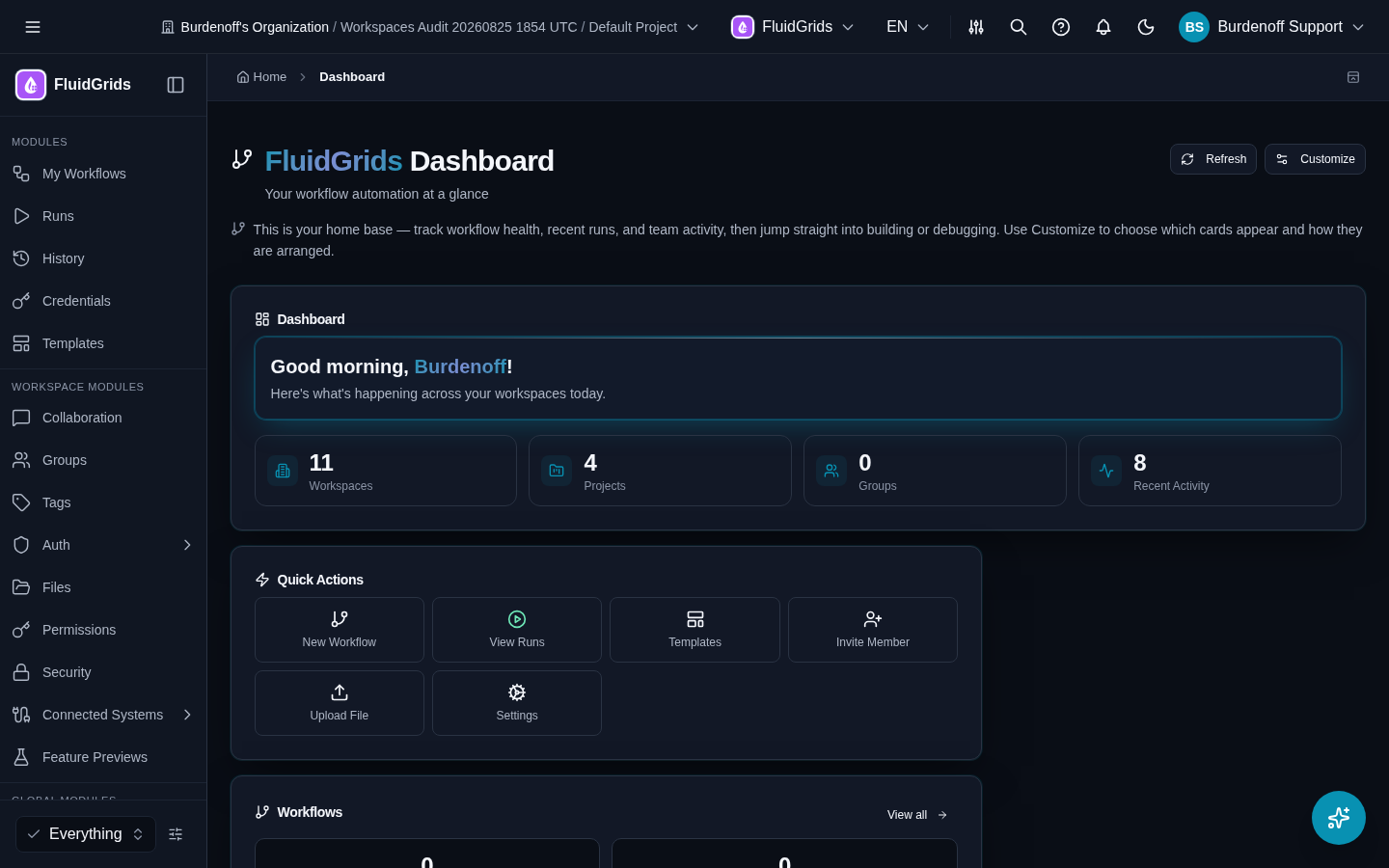
The FluidGrids Dashboard (/dashboard, Your workflow automation at a glance) is your home base. Its cards are arranged in sections:
- Dashboard — a greeting plus counters for Workspaces, Projects, Groups, and Recent Activity. These counters are summaries, not links.
- Quick Actions — New Workflow, View Runs, Templates, Invite Member, Upload File, Settings.
- Workflows — workflow and run counts with a View all link to My Workflows.
Customize chooses which cards appear and how they are arranged; Refresh reloads them. If a card reports that some data is unavailable, a platform service behind it is slow or down; the FluidGrids screens themselves are unaffected.
Sidebar group 1: Modules (FluidGrids)
| Item | Route | Page |
|---|---|---|
| My Workflows | /workflows/list | My Workflows |
| Runs | /workflows/runs | Runs |
| History | /workflows/history | History |
| Credentials | /workflows/credentials → opens /integrations/connections | Credentials |
| Templates | /workflows/templates | Templates |
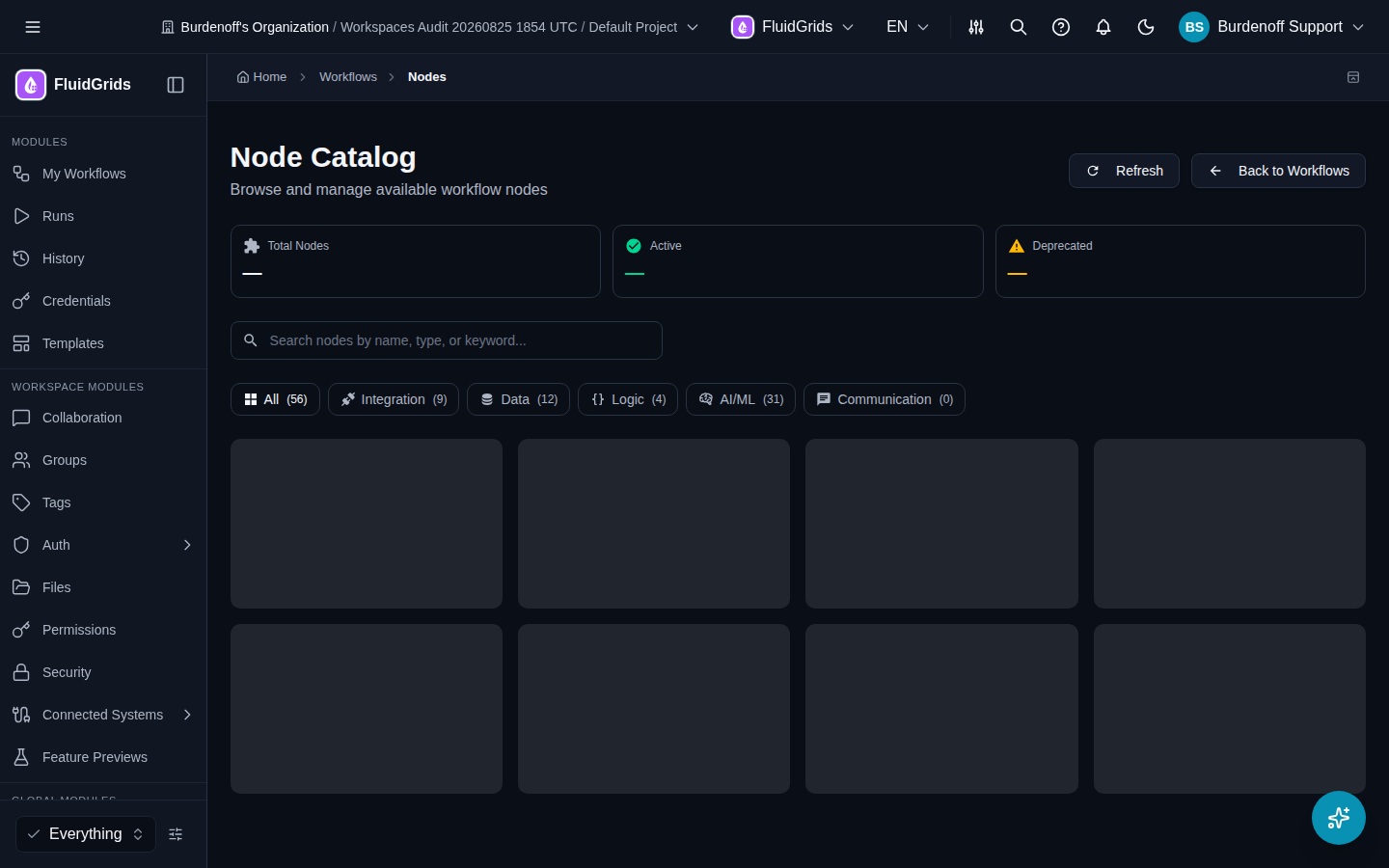
Two more FluidGrids screens are reachable by URL and from links inside the module rather than from the sidebar: Node Catalog (/workflows/nodes), a read-only list of every node registered in the workspace with Integration / Data / Logic / AI-ML / Communication filters, and Settings (/workflows/settings), the workspace-level execution and notification settings. See Settings.
Sidebar group 2: Workspace Modules
Shared features scoped to the current workspace.
| Item | What it is |
|---|---|
| Collaboration | Conversations and comments (/conversations). |
| Groups | Group membership used by permissions and notifications. |
| Tags | Workspace tags. Workflows can be tagged from the builder and filtered by tag in My Workflows. |
| Auth | Security Settings, Active Sessions, Multi-Factor Auth for your account. Workspace admins configure enterprise SSO here. |
| Files | The workspace file browser. |
| Permissions | Role assignments (RBAC) for this workspace, including the FluidGrids roles. See Roles and Permissions. |
| Security | The workspace vault — encrypted secret storage. |
| Connected Systems | Integrations (providers and connections — the same screens Credentials opens) and Export. See Connected Systems. |
| Feature Previews | Opt-in previews of upcoming features, saved per workspace. Enabled features appear immediately. |
Sidebar group 3: Global Modules
Account-level features shared across all your workspaces.
| Item | Children |
|---|---|
| Administration | Organizations, Invite People, My Invites, Workspaces, Projects |
| Billing | Overview, Subscriptions, Invoices, Plans, Usage and Quota, Addons, Payment Methods, Credits, Settings, Team & Permissions |
| Marketplace | Store, Cart, Orders, Installed Apps, Licenses — where store nodes and templates are purchased and installed |
| Communication | Notifications |
| Support | Support tickets |
| Developer Portal | Dashboard, Organizations, Applications, API Keys, Revenue, Publisher Profile — API keys for the CLI and SDKs live here |
What your role changes
The sidebar is filtered by role. Items the role cannot use are hidden outright. Items it can use but which are not part of its default view are folded behind N more…. The selector at the bottom of the sidebar (it reads Everything when nothing is filtered) switches between the role views, and the customise icon beside it pins items permanently. See Roles and Permissions.
Installed apps: desktop, Android, iOS
FluidGrids ships as installable apps as well as the web app. On a phone the header and sidebar are replaced by a bottom tab bar with My Workflows, Runs, History, and Templates; everything else is in the More sheet. The desktop app keeps the full layout. Building workflows on a phone is possible but the builder is designed for a desktop-sized screen.
Read-only and embedded views
- A workflow shared with Share › Share Link opens at
/shared/<id>as a read-only page with a Copy to My FluidGrids Builder button. - Share › Embed produces an
<iframe>snippet that renders the workflow read-only inside another site.
See My Workflows.