History
History in the sidebar opens Version History (/workflows/history), subtitled Track changes and versions across all workflows. It is the audit view of your workflows' versions — not a list of runs. Runs live under Runs.
What the page shows
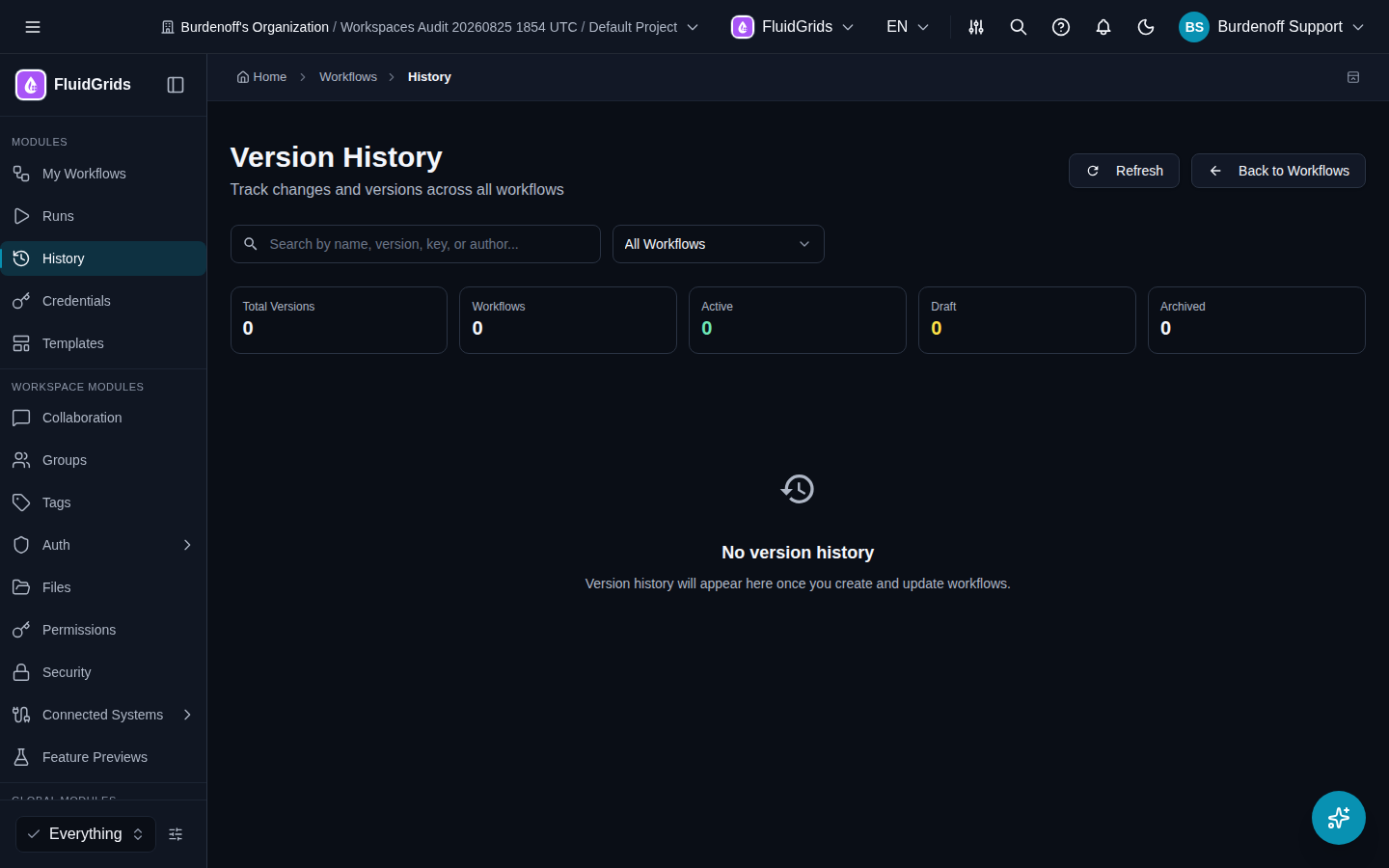
Stats: Workflows, Total Versions, Active, Draft, Archived.
Table: one row per version.
| Column | Meaning |
|---|---|
| Workflow Name | The workflow the version belongs to. |
| Version | The version number and its alias, if one was set. |
| Status | Draft, Active, Deprecated, or Archived. |
| Changed By | Who saved it. |
| Changed At | When. |
| Actions | Open in builder — opens that exact version on the canvas. |
Search matches name, version, key, or author. The workflow picker narrows the table to one workflow. Pages are navigated with Previous / Next; when a workflow has many versions the page notes how many of the total are shown.
Why versions matter
- Each save in the builder creates a new version; the graph in a version never changes.
- Exactly one version per workflow can be Active. Automatic triggers (webhook, schedule, form, error) run the Active version.
- A run records which version it executed, so a failed run can always be traced to the graph that produced it.
To activate, restore, or delete a version, open the workflow and use the Versions panel in the builder — see Workflows.
Empty state
No version history appears until the first workflow is saved.